← Presentation home · Part 6 of 13
Normal RAG
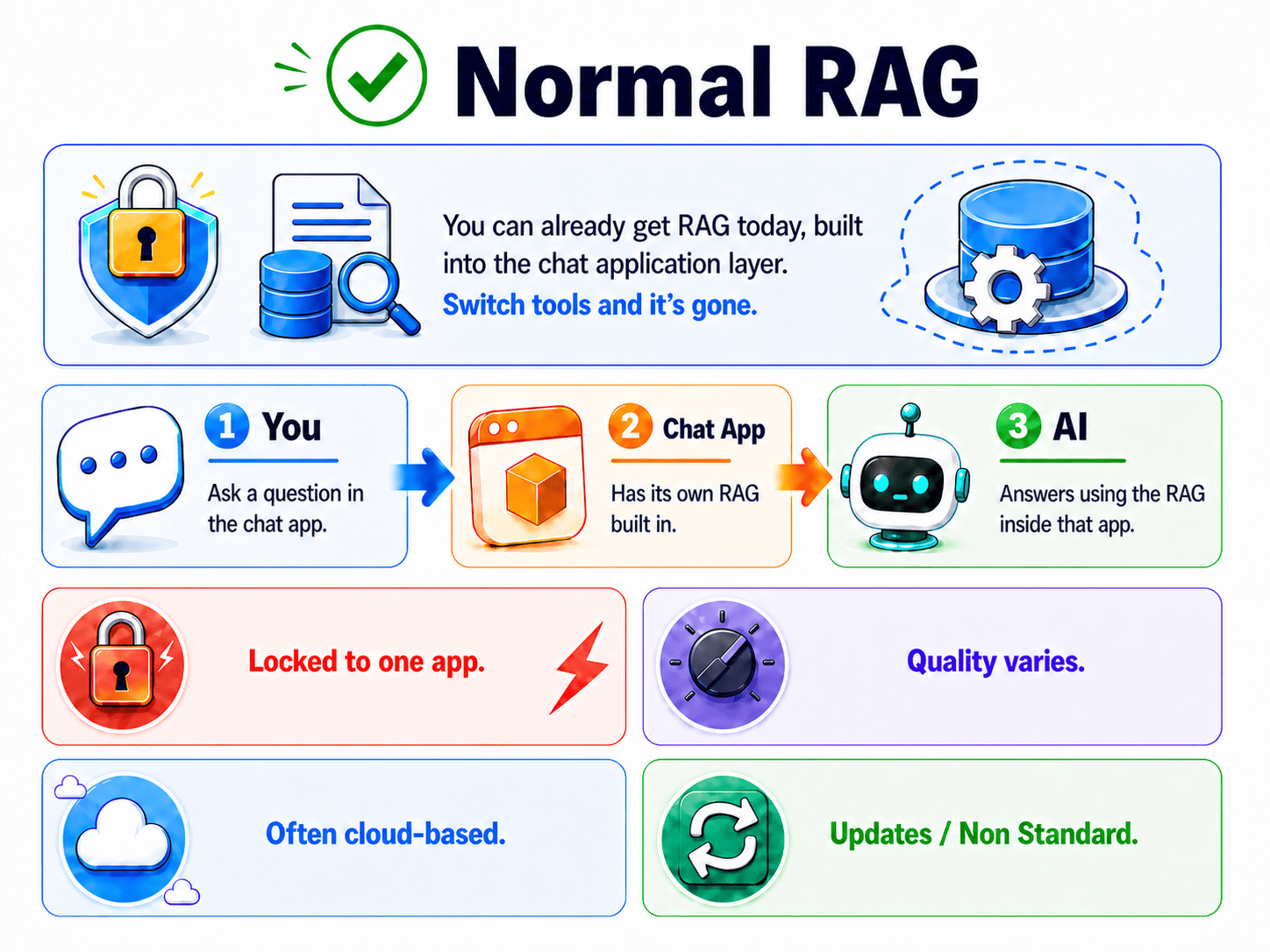
Normal RAG
TL;DR
Most people get RAG today by using a chat app that has a document feature built in. Upload your files, ask questions, get cited answers. It works. It is also locked to that app, quality varies, often runs in the cloud, and has no standard interface. The architectural point, the RAG lives inside the app, is what makes everything fragile.
How most people meet RAG
Most RAG today lives at the application layer. You open a chat app that has a document feature, you upload your files, you ask questions. The RAG happens inside that app.
This is real RAG. It works. It is also where almost everyone starts, including me. The point of this deep-dive is not to mock that approach. It is to show its shape clearly, so the cracks (slide 08) and the alternative (slide 09) make sense.
The shape of normal RAG
| Step | Plain English |
|---|---|
| Ask | You type a question into the chat app. |
| Built-in RAG | The app has its own retrieval system bolted in. It searches your uploaded docs. |
| Answer | The app replies using whatever its internal RAG found. |
It is convenient. It is one tool. For a lot of people it is the finish line, and that is fine.
The four limitations
The slide names four. Each one is a seed that the next few slides grow into a full argument.
Locked to one app
The RAG lives inside that specific application. Your documents, your index, your retrieval, all of it belongs to that app. Switch to a different chat tool and the RAG does not come with you. You rebuild from scratch.
This sounds small. It is not. It means the work you do to build a good knowledge base is captured by the app. Vendor lock-in shows up many forms; this is one of the quietest.
Quality varies
Every app implements RAG differently, and most hide the settings. You do not control:
- Chunking (how documents are split into searchable pieces)
- The embedding model (the part that turns text into searchable meaning-vectors)
- Retrieval depth (how many passages get pulled in)
- Re-ranking (whether the top results are reordered for relevance)
- Hybrid search (whether keyword search runs alongside meaning search)
You get whatever the app's developers chose, and it is often the "make it work everywhere" default, not the "make it good for your use case" choice.
Often cloud-based
Many built-in RAG features run their retrieval in the cloud. Your documents get uploaded to the vendor's servers, indexed there, and searched there. For anyone with PHI rules, NDAs, or any sensitive content, that is the exact problem from slide 02 wearing a different hat.
Some built-in RAGs are local, Open WebUI's is, which is why we use it as the example in the next deep-dive. The "often cloud-based" limitation applies to the category in general, not every member of it.
Non-standard
There is no shared standard for how app-layer RAG works. Each app is its own island. You cannot:
- Script it from the terminal
- Trigger re-indexing from a cron job
- Use the same knowledge base from another tool
- Inspect what got retrieved before it went to the model
- Swap the retrieval logic without forking the app
Whatever you build inside the app stays inside the app, forever.
The hinge sentence
If you take one architectural insight from this whole tutorial, take this one:
The RAG runs inside the app. That is the whole problem.
Not because the app is bad. Because RAG-as-a-feature can never be RAG-as-infrastructure. A feature is something you use. Infrastructure is something you build on top of. You cannot reuse a feature. You can reuse infrastructure.
Once you see that distinction, the rest of the tutorial reads as the consequences:
- Slide 07, *here is the most popular built-in RAG, working*
- Slide 08, here is exactly where it breaks
- Slide 09, here is what to do instead
A fair note on the built-in approach
For a hobbyist with one chat app and one set of docs, built-in RAG is genuinely the right answer. Less to run. Less to maintain. Works out of the box.
The argument for moving the RAG out gets strong when you have:
- Multiple knowledge domains (HR docs, technical docs, policies, each a separate brain)
- Multiple tools that all want to ask questions of the same knowledge
- Automation needs, re-index from a script, evaluate retrieval quality in CI
- Hard data-control requirements, PHI, IP, NDA, regulated content
That is the Faculty of Dentistry's situation, and it is where the proxy earns its keep.
FAQ
What counts as a "normal RAG" app? Anything with a built-in document or knowledge feature. Open WebUI's Knowledge feature. The cloud chat assistants with file upload. Most of the commercial AI tools. If the RAG is a feature inside the chat product, it is this category.
Is built-in RAG always cloud-based? No. Open WebUI's is local, which is why we use it as our example in the next deep-dive. The "often cloud-based" limitation is about the category in general, not every member of it.
If it works, why change it? For a hobbyist with one app and one set of docs, maybe do not. The argument for changing gets strong when you have multiple knowledge domains, multiple tools, automation needs, or hard data-control requirements.
Is "feature versus infrastructure" really a useful distinction? Yes, and it shows up everywhere in software, not just RAG. Authentication can be a feature in one app or a service many apps share. Search the same. Logging the same. The decision is always: how reusable does this need to be, and how separate from the consuming application?
If you only remember one thing
Built-in RAG works, but everything about it, your docs, your index, your retrieval logic, belongs to the one app. That ownership is what makes it fragile.